Quick Answer
The fundamentals of SEO are the same on every CMS, but where you spend your effort changes a lot. WordPress gives you full control, so the work is keeping speed, plugins and index bloat in check. Shopify handles the technical basics but locks URL structure, so the work is managing duplicate paths, app bloat and product data. Wix and Squarespace score well on speed out of the box, so the work is content depth and working around fewer controls. Webflow offers clean code and designer-level control with no plugin safety net, and Drupal offers enterprise flexibility that needs a developer to unlock. The platform sets your ceiling and your chores, while content, links and authority still decide who ranks.
“Which CMS is best for SEO?” is one of the most common questions we hear, and it is usually the wrong question. Every major platform can rank. What changes from one platform to the next is what comes built in, what you are allowed to change, and which problems you will spend your time fixing.
A WordPress site and a Shopify store might target the same keywords, but the SEO work behind them looks very different. One team is trimming plugins and tuning a server. The other is fighting duplicate collection URLs and cleaning up product data. This guide breaks down how SEO strategy differs across WordPress, Shopify, Wix, Squarespace, Webflow and Drupal, so you know where to focus on the platform you have, or what to weigh before you pick a new one.
Why your CMS changes your SEO strategy
Content management systems fall into two broad camps. Open platforms like WordPress and Drupal give you access to everything: server, code, database and plugins. Hosted platforms like Shopify, Wix, Squarespace and Webflow run the infrastructure for you and decide which settings you can touch.
That trade-off shapes everything. On an open platform, nothing stops you from building a perfect technical setup, and nothing stops you from breaking it. On a hosted platform, the basics like SSL, sitemaps and hosting are handled, and speed scores tend to be better out of the box, but you will eventually hit a wall you can’t code your way through. HTTP Archive’s real-world Core Web Vitals data shows the pattern clearly: in June 2025, hosted builders led the pass rates while WordPress sat last, largely because WordPress performance depends on the themes, plugins and hosting each site owner chooses.
WordPress: full control, full responsibility
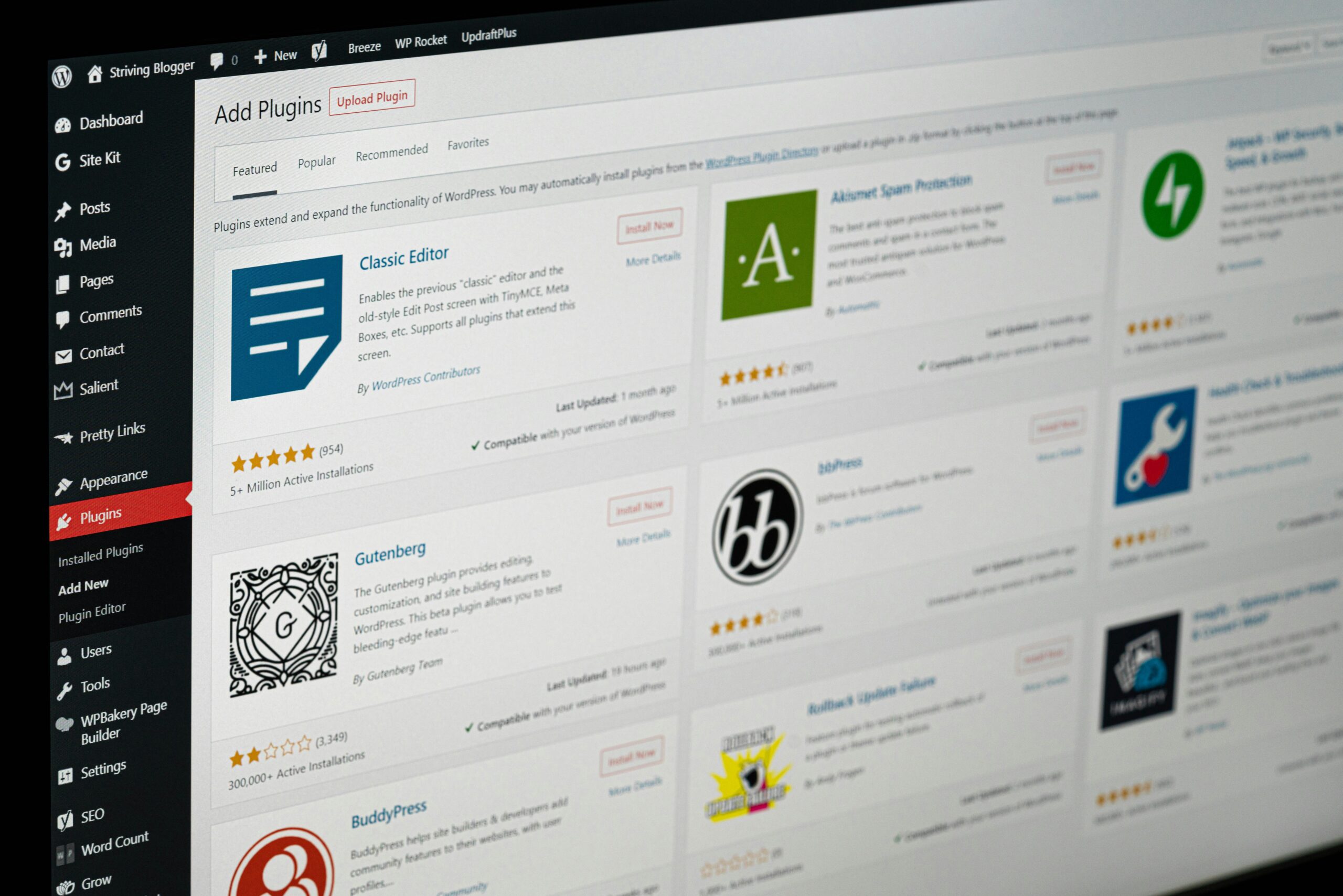
WordPress runs 58.8% of all sites that use a known CMS, and for good reason. Between plugins like Rank Math or Yoast, access to theme files, and any host you like, there is almost nothing you can’t control. That freedom is also why WordPress had the lowest Core Web Vitals pass rate in that June 2025 comparison. The platform doesn’t make sites slow. Heavy page builders, cheap hosting and stacks of plugins do.
WordPress SEO strategy leans on housekeeping:
- Speed first. Choose quality hosting, a lightweight theme and a caching setup, and audit every plugin for what it adds to the page. Our guide to Core Web Vitals in 2026 covers what to measure.
- Control what gets indexed. Tag archives, author pages, date archives and thin category pages can flood Google with low-value URLs. Noindex or consolidate the ones that don’t serve searchers. WordPress 6.4 turned off attachment pages by default for new installs, but older sites often still have them indexed.
- Use one SEO plugin, configured well. Running two SEO plugins creates conflicting meta tags and duplicate schema. Pick one and set up titles, schema and sitemaps deliberately.
- Keep everything updated. Outdated plugins are a security risk, and a hacked site with spam pages can lose rankings fast.
The upside is that WordPress has the highest ceiling for content-heavy sites. Custom post types, flexible taxonomies and total control over schema make it ideal for blogs, resource hubs and large service sites.
Shopify: built for commerce, fixed on structure
Shopify handles hosting, SSL, sitemaps and canonical tags automatically, and it posted a 75% Core Web Vitals pass rate in the June 2025 data. The trade-off is structure. Every Shopify URL lives under a fixed prefix: /products/, /collections/, /pages/ and /blogs/. You can’t remove them or build custom folder hierarchies.
Shopify SEO strategy focuses on the problems that structure creates:
- Duplicate product paths. Products can load at both
/products/itemand/collections/name/products/item. Shopify canonicalizes to the product URL, but many themes still link internally to the collection version. Edit the theme so internal links point to the canonical URL. - Filter and sort URLs. Faceted navigation can create thousands of crawlable parameter URLs. Shopify lets you edit
robots.txt.liquidto control this, but Shopify calls it an unsupported customization and warns that mistakes can wipe out your traffic. Have someone experienced make those edits. - App bloat. Every review widget, pop-up and upsell app adds scripts. Remove apps you don’t use, since some leave code behind even after uninstalling.
- Collection pages as landing pages. Collections are usually your best ranking pages for category keywords. Add unique intro copy, FAQs and internal links instead of leaving them as bare product grids.
- Product data for AI shopping. Shopify launched Agentic Storefronts in March 2026, which puts merchant products in front of shoppers in ChatGPT, Microsoft Copilot and Google’s AI surfaces. Clear titles, full descriptions and complete product attributes now feed AI channels as well as Google.
For more Shopify-specific tactics, see our top Shopify SEO tips and our roundup of the best Shopify SEO apps.
Wix: better than its old reputation
Wix earned a poor SEO reputation years ago, and much of that is outdated. Wix now offers server-side rendering, an editable robots.txt, bulk 301 redirects of up to 500 URLs at a time, custom structured data, editable URL structures for blog and product pages, and bot log reports that show how search engines crawl your site. It also had a 71% Core Web Vitals pass rate in June 2025, well ahead of WordPress.
Wix SEO strategy is less about technical fixes and more about using the tools that exist:
- Customize the defaults. Wix auto-generates titles, descriptions and schema. Rewrite the important ones by hand instead of letting templates decide.
- Watch the design extras. Heavy animations, video backgrounds and too many apps can undo the platform’s speed advantage.
- Put the effort into content. With the technical basics mostly handled, rankings on Wix come down to content depth, internal linking and authority, the same as anywhere else.
The real limits are control and portability. You can’t touch server settings or fully control the code Wix outputs, advanced changes run through its Velo developer tools, and moving off Wix later means rebuilding the site rather than exporting it.
Squarespace: clean and simple, with guardrails
Squarespace is a strong fit for small service businesses, portfolios and simple stores. It generates your sitemap automatically, adds schema for products and events, includes SEO title and description fields on every page, and scored a 68% Core Web Vitals pass rate in June 2025.
The guardrails are tighter than on Wix. Posts and products live under their collection’s URL, so the folder structure is set by how you build collections. You can’t edit robots.txt with full control, though Squarespace does offer a setting to block AI crawlers. Redirects are handled through the URL Mappings panel rather than server rules.
Squarespace SEO strategy works best when you plan structure up front. Name collections with keywords in mind before you publish, since changing them later changes every URL inside. Use code injection on plans that include it to add LocalBusiness or FAQ schema that the platform doesn’t create for you. And keep an eye on page weight, since large image galleries are the most common cause of slow Squarespace pages.
Webflow: designer control with clean code
Webflow sits between hosted builders and open platforms. It outputs clean, semantic HTML, runs on a global CDN, and gives you direct control over meta tags, canonical tags, 301 redirects and schema. Webflow’s localization features also handle hreflang tags automatically for multilingual sites.
What Webflow lacks is a plugin ecosystem, which changes the strategy. Anything a WordPress plugin would handle has to be planned into the build:
- Build schema into CMS templates. Use collection fields to populate JSON-LD in custom code embeds, so every blog post, case study or location page gets its schema automatically.
- Plan CMS collections carefully. Webflow plans cap the number of CMS items, and restructuring collections later is painful. Map content types and future growth before you build.
- Keep interactions in check. Webflow makes rich animations easy, and too many of them hurt load times and layout stability.
Drupal: enterprise power that needs a developer
Drupal powers many government, university and large enterprise sites because it handles complex content models, granular user permissions and multilingual content in core. Its SEO toolkit comes from well-established modules: Metatag for titles and descriptions, Pathauto for URL patterns, Redirect for 301s, and Simple XML Sitemap for sitemaps. It passed Core Web Vitals on 59% of sites in the June 2025 data.
Drupal SEO strategy depends on development resources. Almost anything is possible, but very little is point and click. The best results come when SEO requirements go into the build from day one: URL patterns set in Pathauto before content is created, metadata defaults set for each content type, and caching configured properly. Drupal is overkill for most small businesses and the right tool for large sites with complex publishing needs.
What stays the same on every platform
For all these differences, the things that decide rankings don’t change with the CMS. On every platform you still need:
- Keyword research that maps each important search to one page
- Content that answers searchers’ questions better than the competition
- A clear internal linking structure. Our guide to how internal linking affects AI search and rankings covers this
- Schema markup that describes your business, products and content. See schema markup that gets you cited by AI
- Backlinks, brand mentions and reviews that build authority
- Fast, mobile-friendly pages, whatever it takes on your platform to get there
The CMS decides how hard each item is to execute. It doesn’t decide whether you need to do it. Our technical SEO checklist for modern web development covers the platform-neutral basics.
Choosing a platform with SEO in mind
If you are picking a CMS or thinking about switching, match the platform to how your business actually runs.
If you are already on a platform that works, switching is rarely the fastest path to better rankings. A migration done badly can cost months of traffic. If you do move, map every old URL to a new one with 301 redirects and follow a full technical SEO checklist for website migrations. For a head-to-head look at the three most popular options, see WordPress vs. Shopify vs. Wix for SEO.
Frequently asked questions
Which CMS is best for SEO?
No single CMS is best for every business. WordPress offers the most control and flexibility for content-heavy sites, Shopify is the strongest choice for most online stores, and Wix or Squarespace suit small businesses that want low maintenance. The right platform is the one your team can run well, since content, links and technical execution matter more than the CMS itself.
Is Wix bad for SEO?
No. Wix has added server-side rendering, an editable robots.txt, bulk 301 redirects, custom structured data and editable URL structures, and its sites passed Core Web Vitals at a higher rate than WordPress sites in 2025 HTTP Archive data. Its main limits are less control over code and difficulty migrating to another platform later.
What are the biggest SEO limitations of Shopify?
Shopify uses fixed URL prefixes like /products/ and /collections/ that you cannot remove, can create duplicate product paths through collection URLs, and generates many filter and sort URLs. Apps can also slow stores down. Most of these issues can be managed through theme edits, careful robots.txt.liquid changes and regular app audits.
Will switching my CMS hurt my SEO?
A migration can cause a temporary or lasting traffic drop if URLs change without redirects, content is lost or technical settings are missed. Mapping every old URL to a new one with 301 redirects, keeping content and metadata intact, and testing before launch keeps the risk low.
Do I need an SEO plugin on WordPress?
Practically, yes. WordPress does not include full control over titles, meta descriptions, schema and XML sitemap settings out of the box. A single well-configured plugin like Rank Math or Yoast handles these. Avoid running two SEO plugins at once, since they create conflicting tags.
Skyfield Digital builds and optimizes sites on WordPress, Shopify, Wix, Drupal and custom stacks. We’ll audit your platform setup and show you exactly what is holding your rankings back.