
 Vantage AI Visibility Tool
Why Your New Location Isn’t Showing Up on Google (and What to Fix First)
New location SEO: why your new location isn’t showing on Google and the order to check the profile, page, distance and reviews.
Skyfield Digital vs NoGood: Growth Squad or SEO and GEO Specialist?

Need a NoGood alternative for SEO and AI search? Compare Skyfield Digital and NoGood on pricing, services, and flexibility.
Multi-Location Marketing: How Regional Brands Beat Enterprise Competitors in Local Search
Multi-location SEO for regional brands: fix profiles, location pages and reviews to outrank bigger chains in local search.
How Local Service Businesses Can Rank on Google Maps and Win AI Recommendations
Local service business SEO: the Google Maps ranking factors that matter, how service areas work, and what AI assistants cite.
Measuring Portfolio ROI: How Modern B2B Brands Track Search Value Beyond Clicks
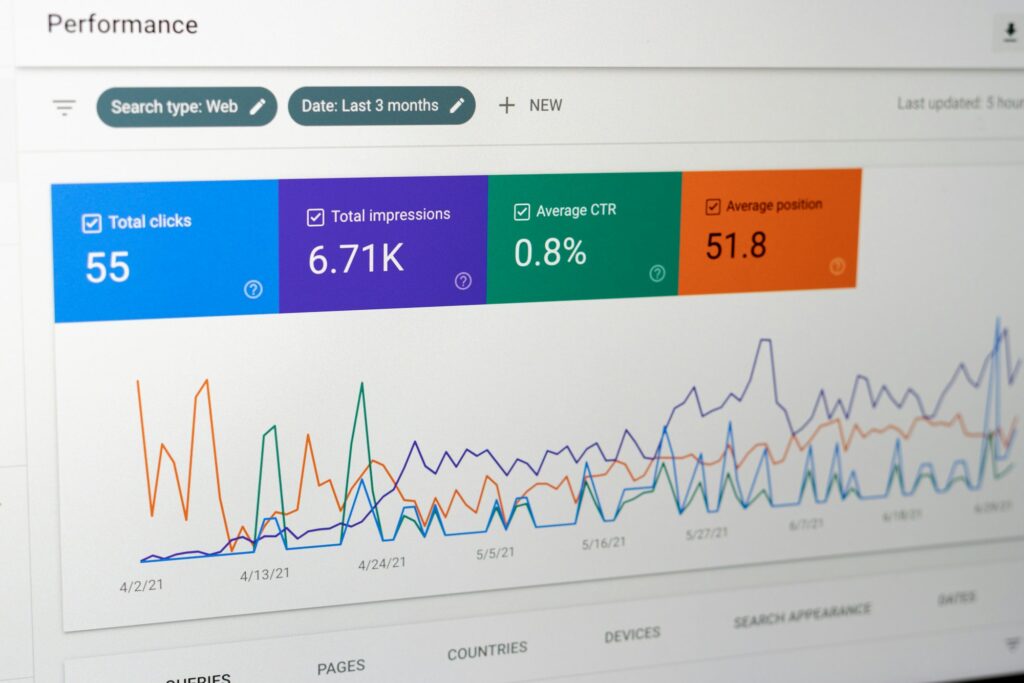
Quick Answer TL;DR Clicks capture a shrinking share of what search does for a B2B brand. Buyers shortlist vendors before they talk to sales, and AI answers resolve more questions without a visit. Measure portfolio ROI with a four-layer search value ledger: click value, assisted value, visibility value and pipeline value, reported the same way […]
How B2B Buyers Use ChatGPT to Pick Software, and How to Make Sure You’re Recommended
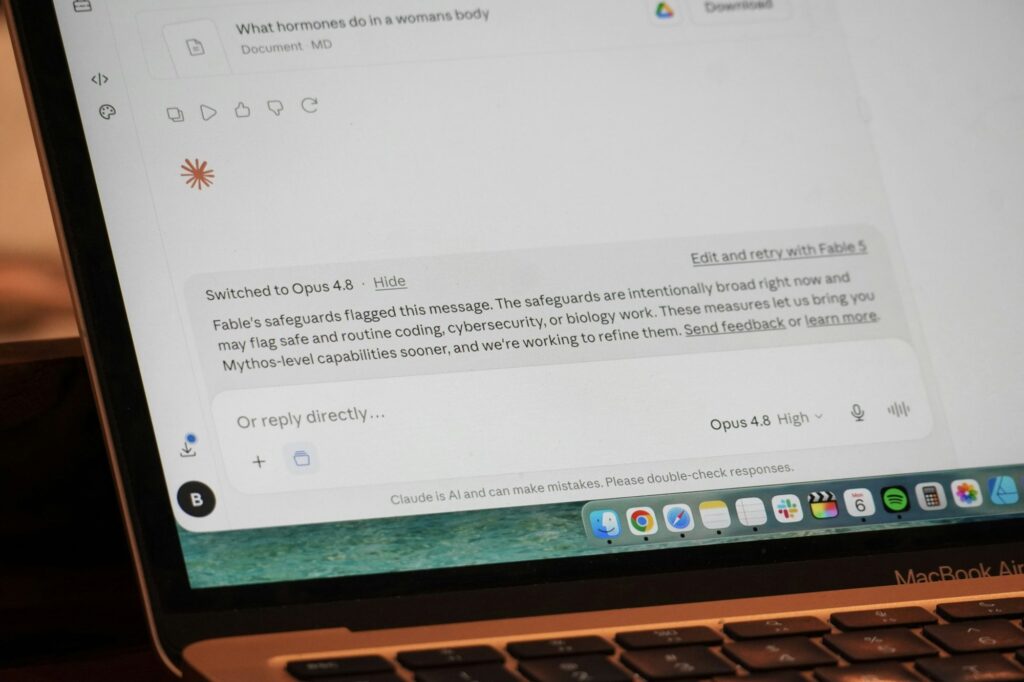
Quick Answer TL;DR B2B software buyers now start in AI chatbots, and a recommendation changes who gets considered. ChatGPT credits a recommended tool’s own website only about 12% of the time, so being recommended depends on what other sources say about you. To get recommended, publish fair comparison pages in list and table form, earn […]
AI Answer Engines Are Stealing Your Organic Traffic: How SaaS Brands Can Win It Back
Quick Answer TL;DR AI answers have cut organic click rates on informational queries, and SaaS blogs built on those queries feel it most. The traffic that remains from AI sources converts at roughly 2x to 4x the rate of regular visits in the broader studies. SaaS brands win it back by sorting content by intent, […]
Why Traditional B2B SEO Strategy Is Failing (And What to Do Instead)
Quick Answer TL;DR Traditional B2B SEO is built to win traffic from broad keywords, but B2B buyers form a shortlist before they contact anyone, and AI answers now resolve many early questions without a click. Five assumptions break: chase the biggest keywords, publish more top-of-funnel posts, build links by volume, write for one persona and […]
Capturing High-Intent Tech Buyers Before They Ever Reach Your Landing Page

Most tech buyers decide before they visit your site. Learn the five surfaces where to be present and how to prepare your landing page.
How to Measure Whether AI Search Is Recommending Your Brand
Learn which AI visibility metrics matter, how many prompts to track, and why a single ChatGPT answer tells you almost nothing.